
Welcome to the official deposit guide for Jai Club Game, a reliable real-money gaming platform where players can easily add funds and enjoy a variety of entertaining games.
Whether you are a new user or simply need a quick reminder, this step-by-step guide explains how to deposit money securely and begin playing without any hassle.
Jai Club Game Deposit Guide Step-by-Step
Step 1 – Log In to Your Jai Club Account
Start by visiting the website and signing in to your Jai Club account using your registered mobile number or username.
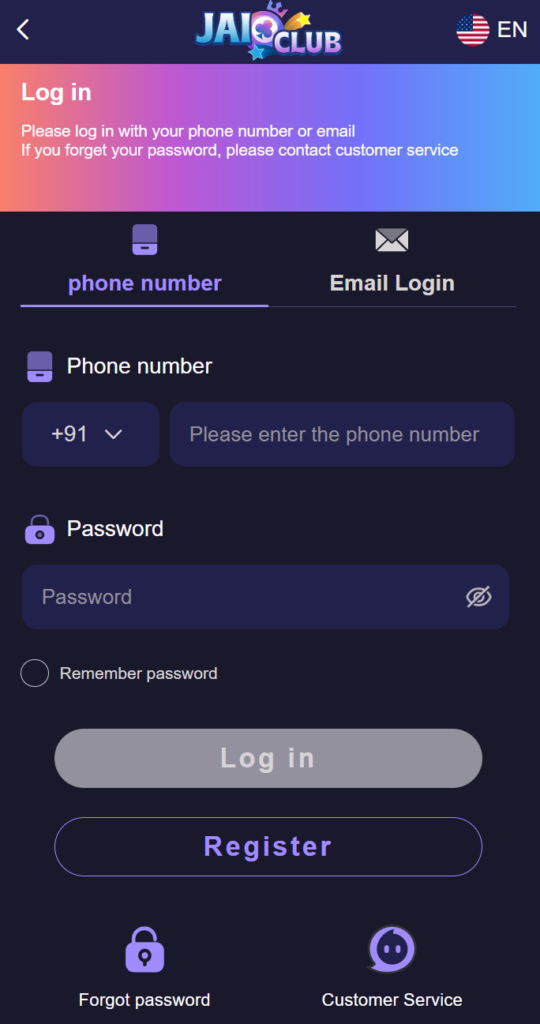
- If you are a new user, you will need to create an account first. The registration process is simple and takes only a few moments.
- Once your account is set up, you will be able to access all available games and wallet features.
Before proceeding, ensure that your login credentials are entered correctly.
Step 2 – Access the Deposit or Wallet Section
After successfully logging in, navigate to the main menu and locate the Deposit or Wallet option.
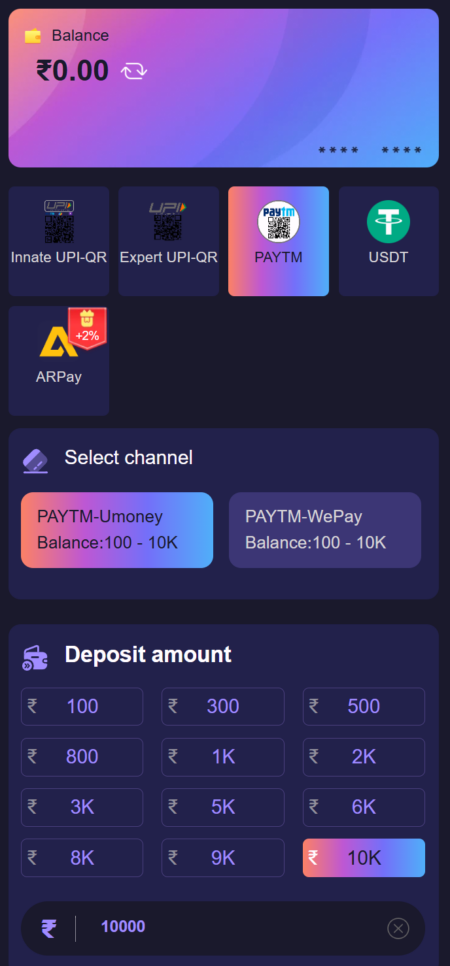
- Select the Deposit option
- You will be redirected to the payment page
- Available payment methods will be displayed
- This section allows you to choose the preferred method for adding funds to your account.
Step 3 – Choose Your Preferred Payment Method
Jai Club provides multiple secure and commonly used payment options to make deposits convenient for players.
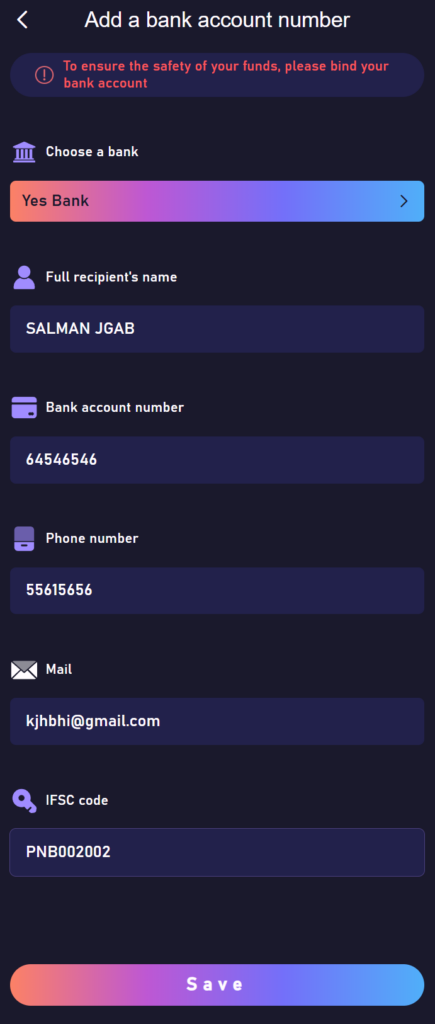
Some of the available methods may include:
- UPI
- Paytm
- PhonePe
- Mobile banking services
- USDT
Select the option that is most suitable and convenient for you. Always verify that you have chosen the correct payment method before continuing.
Step 4 – Enter the Deposit Amount
Enter the amount you wish to add to your Jai Club wallet balance.
While doing so, keep the following points in mind:
- Follow the minimum deposit requirement
- Avoid entering incorrect or random amounts
- Check the transaction limits of your selected payment method
- Carefully read any instructions displayed on the screen
- Providing the correct amount helps ensure faster processing of your deposit.
Step 5 – Complete the Payment and Submit Details
Once the deposit amount is confirmed, the platform will display the payment number or account details required to complete the transaction.
Follow these steps:
- Open your preferred banking or payment application
- Transfer the exact amount to the provided details
- Return to the Jai Club deposit page
- Enter the Transaction ID or upload proof of payment if requested
- Click Confirm or Submit
- Make sure the amount transferred matches the amount entered earlier to avoid delays.
Step 6 – Wait for Deposit Confirmation
In most cases, deposits are processed within a few minutes.
After successful verification:
- Your Jai Club wallet balance will be updated
- You can immediately start playing games
- No additional action is required once the deposit is confirmed
- If the balance does not update instantly, wait for a short period before checking again.
Need Assistance?
If your deposit is not reflected after some time, consider checking the following:
- Confirm that the payment was completed successfully
- Ensure the correct transaction reference number was entered
- Verify that the deposited amount matches the requested amount
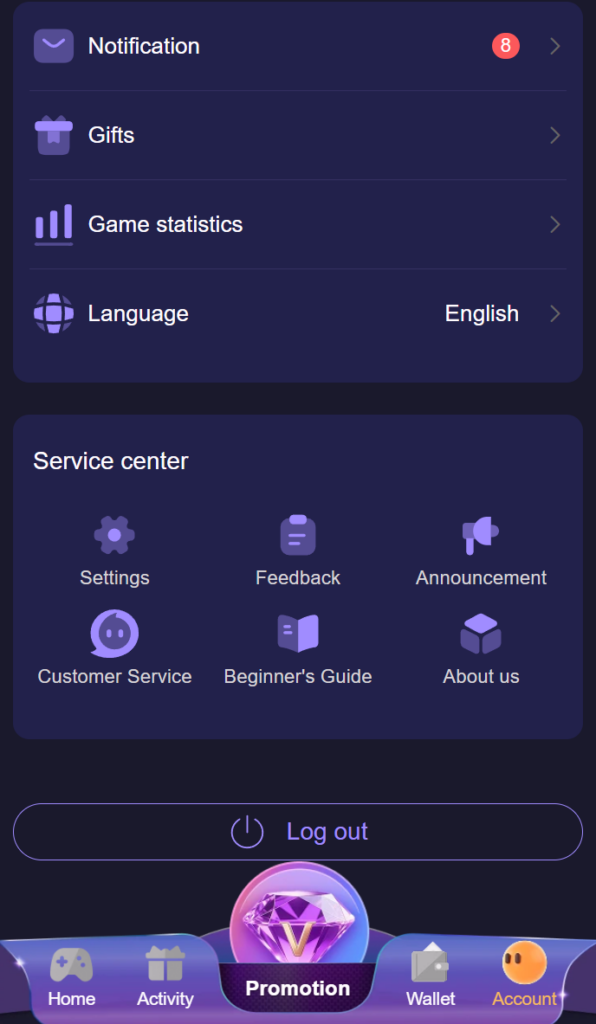
- If all details are correct and the issue still persists, contact the support team using the live chat feature available on the Jai Club website.
Start Playing After a Successful Deposit
After your funds are added, you can explore a wide selection of games available on Jai Club, such as card games, prediction-based games, casino-style experiences, and more.
Simply add balance, select your preferred game, and enjoy the platform while maintaining responsible gaming practices.